A cut-down free version is available that adds watermark to the output files.
Also, users wont be able to record videos longer than 15 minutes.
The paid versions do not have these limitations, but theyre all available for purchase under subscription-based plans.
Features and Highlights
Screencast-O-Matic does a few more than just allowing you to record the screen.
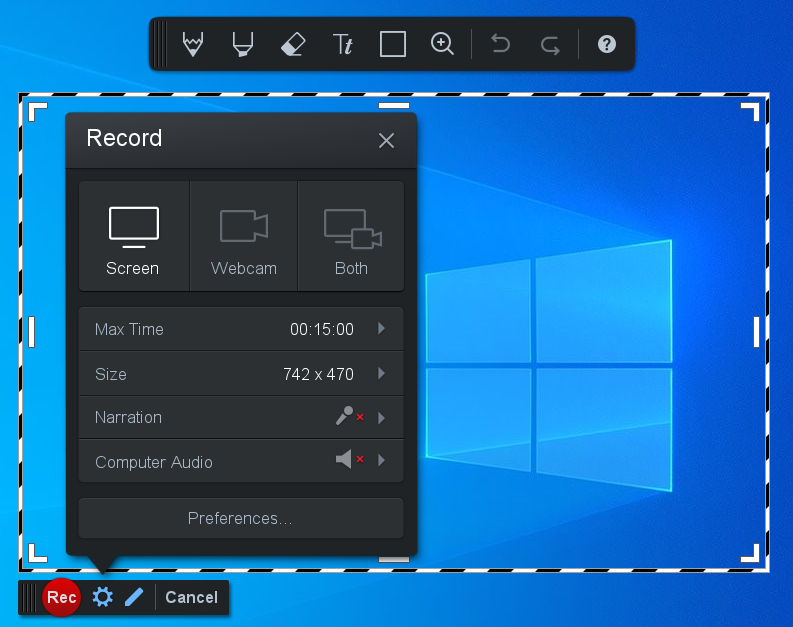
The software records the entire screen or any part of it.
The webcam screen is resizable.

And you’ve got the option to spice up your video with music.
Even more enticing is the ability to draw while recording.
The drawing tools appear above the recording area after you go for the pencil button.
A license upgrade will unlock other upload destinations which include Vimeo and Dropbox.
Screencast-O-Matic offers to edit your video too.
In addition to the 15 minutes recording limit and watermarked output, the free version cannot run offline.
An internet connection is mandatory.
For some users this is perhaps the biggest annoyance they have to deal with.
