Many of us here at TechSpot useDroplron a daily basis to quickly share screenshots.
Want to share a quick screenshot?
For files just drag them to Droplr’s system tray icon and they’ll be uploaded instantly.
No folders, no syncing.
Droplr excels at simplicity.
CloudApp
CloudApp works very similar to the original Droplr.
Downside?Available only for Mac.
The app lets you set hotkeys for full screen, selected area and active window.
There is supposedly an iPhone client but it seems unavailable in the U.S. iTunes store at this time.
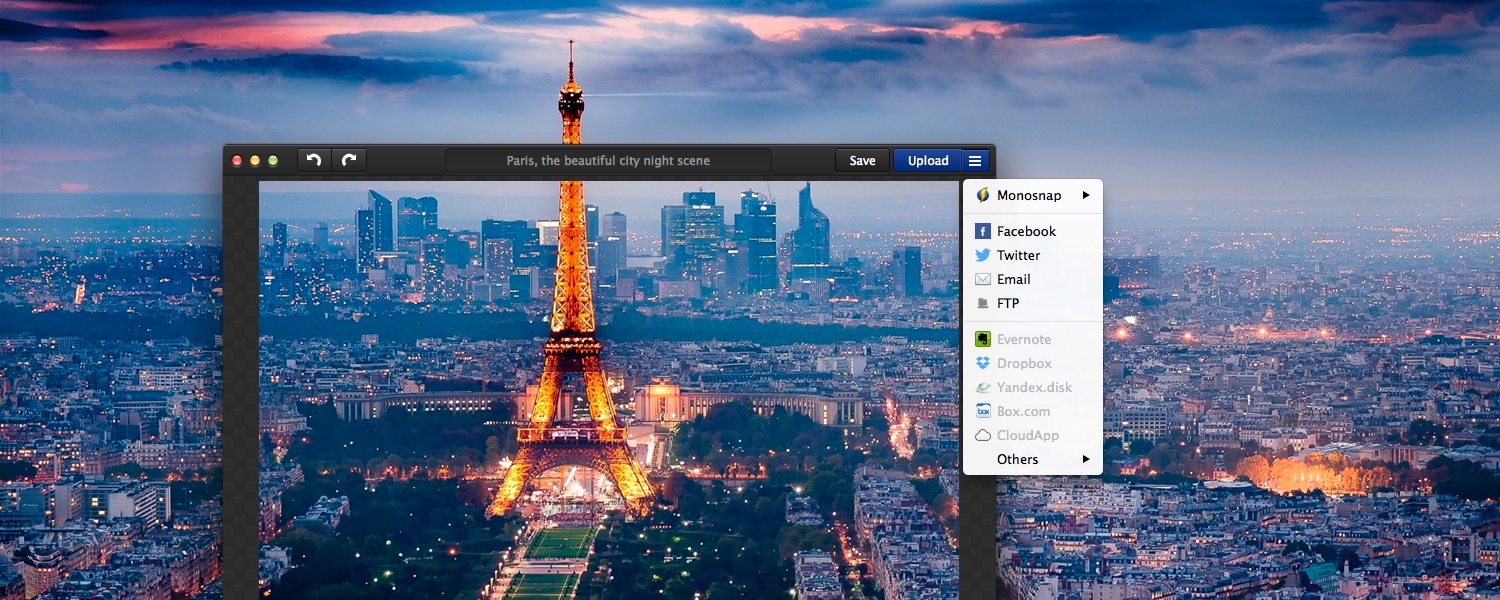
Monosnap
Monosnap is highly customizable and among its key features is the option to annotate screenshots.
For the meticulous freak Monosnap’s editor has an 8x magnifier for pixel perfect crops.
BesidesWindows, Macand iOS, Monosnap is available for Chrome and an Android client is reportedly in the works.
Upon taking a screenshot the built-in editor will launch and there’s no way to skip this step.
Since Evernote acquired Skitch in 2011 the two are now tightly integrated.
Skitch is available for free onWindows, OS X, Android and iOS.
Although there’s no annotation feature it’s a competent alternative if you are already using the service.
