Sublime Text is a decent code editor that has the capability to boost your productivity as a coder.
Sublime Text is a shareware.
You are asked to purchase its license if you plan to keep using it.
Interestingly, there is no time limit for the evaluation period.
This means it’s possible for you to use it for free for as long as you like.
Even so, it is best to buy the license to support its development.

Features and Highlights
Sublime Text can run lightning fast.
Dragging and dropping a file into the main interface also opens it as another new tab.
When you close Sublime Text, it remembers all of the open tabs as well as your current position.
The next time you launch the code editor, everything looks exactly like the previous state.
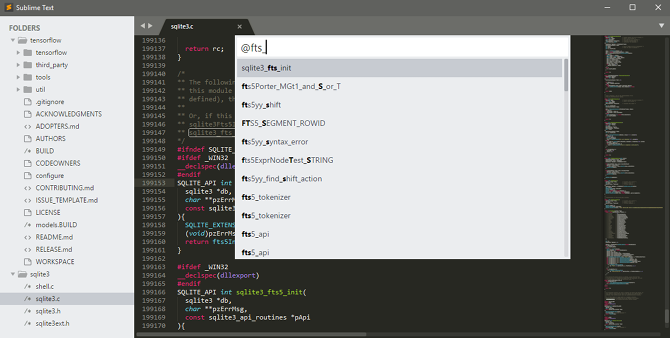
If you look at the right side of the screen, you will notice a section called Minimap.
For a small file, it might be not that useful.
For a larger file, however, it can be very handy.
It is a part of the impressive search functionality that Sublime Text has.
The Command Palette lets you find any command and execute it quickly.
Not to mention that Sublime Text also supports too many plugins to count by hand.
In short, there are plenty of reasons of why you should make a switch to Sublime Text.
