It can open PDF documents so fast that it puts some other well-known PDF readers to shame.
It has basic functionalities to view and annotate PDF files.
The developer is quite picky in adding new features to prevent the software from morphing into a bloated one.
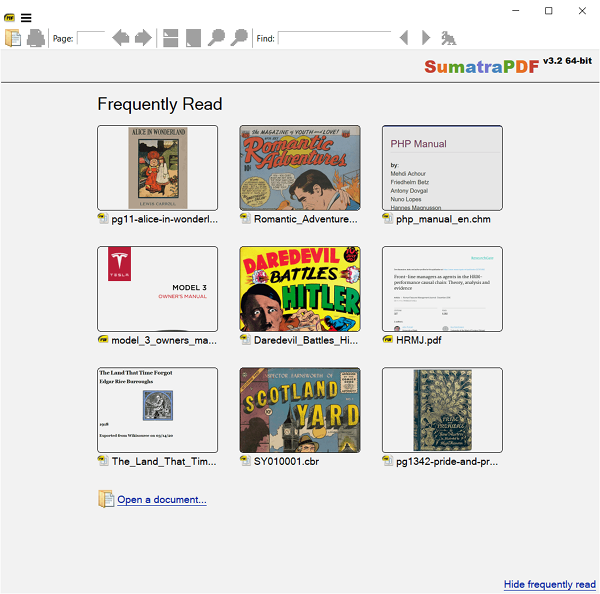
The graphical interface is simple which mainly consists of three areas.
The title bar, the toolbar, and the document area.
The title bar is used to display the multiple tabs when you open more than one document.

It is also where you might find the menu button.
There is the full screen mode that eliminates all of the visual elements but the bookmark and document area.
The most recent PDF files that you open are displayed as thumbnails at the front page of Sumatra PDF.
There is no need to open File Explorer to search the file.
Since Sumatra PDF 3.3, you might also add, edit, and remove annotations in PDF files.
The most important thing from this annotation capability is that you’re able to highlight text.
But, if you need a quick PDF viewer, Sumatra PDF is the best choice.
