Features and Highlights
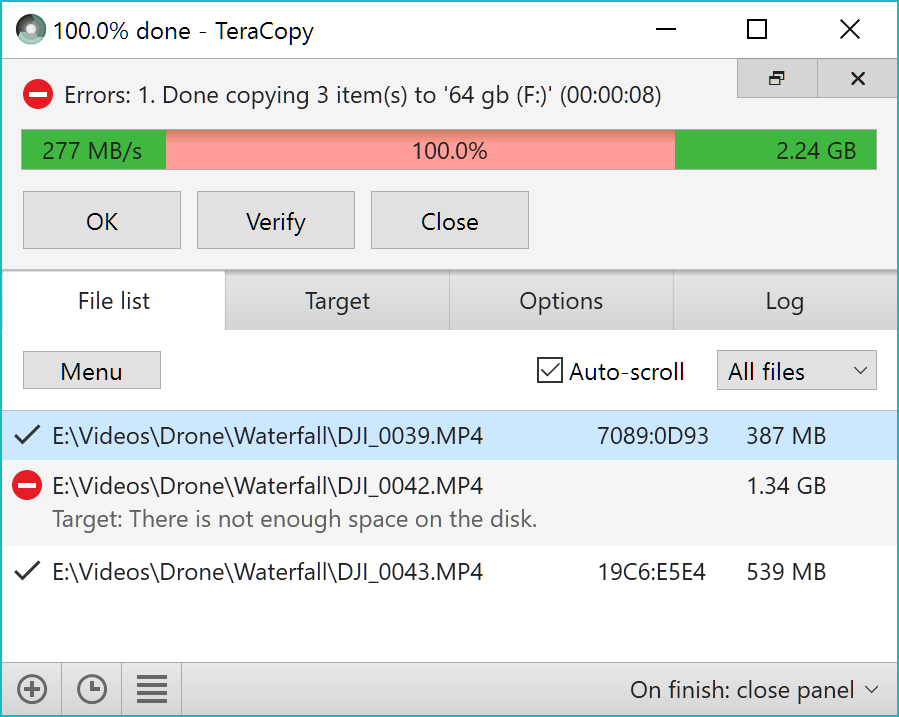
Sometimes an error happens during a file transfer.
The message displayed also lets you know what kind of error that occurs.
The transfer process itself is continued to copy the rest of the files until there is nothing left.
The option, when enabled, makes sure that the copied files are identical.
Its ability to add a recently used folder in the history is no less helpful.
During the file transfer, the interface of TeraCopy can stay on top of other open windows.

New files can even be added during the transfer.
