TrueCrypt is a free security tool to encrypt your files.
It works by encrypting an existing partition or creating an encrypted virtual container.
Some users prefer the latter, while the others feel more secure by encrypting the whole drive.
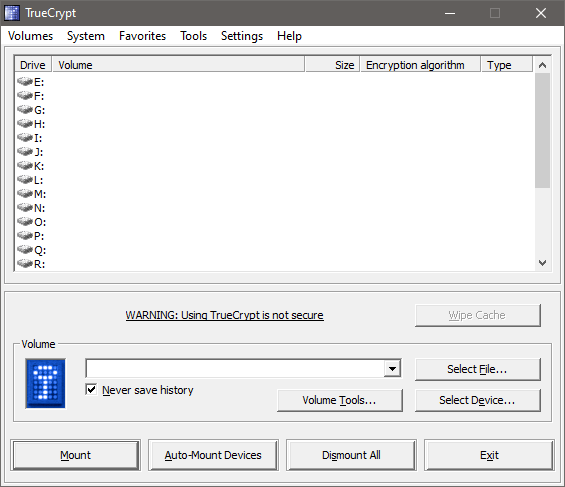
For users who have sensitive files, TrueCrypt is the kind of software that they urgently need.
Without encryption, other people can get access to the files easily.
Even Windows password can easily bypassed by booting into another operating system from a bootable USB drive.

Features and Highlights
TrueCrypt development ended since a long time ago.
Users are, therefore, advised not to use TrueCrypt since it is not secure and choose BitLocker instead.
However, the latter should not be selected if you intend to encrypt the system partition.
TrueCrypt can mount the encrypted volume that you have created in several ways.
It can also be done automatically by using the auto mount devices option.
There are two ways to dismount volumes.
The first one is by selecting a mounted volume and then clicking the Dismount button.
The other one is to hit the Dismount All button.
The latter method dismounts every volume that is currently mounted.
If there is nothing wrong, the volumes will be dismounted immediately.
One example of such situations is when TrueCrypt keeps rejecting your password even though you use the correct one.
Perhaps it only takes a few minutes of reading to understand how to start encrypting files with TrueCrypt.
