You dont have to physically present at location to use a computer.
By using UltraViewer, accessing a computer from a far away location is possible.
This remote access software is a handy tool for individuals and a time saving solution for businesses.
However, the free features come with limitations.
And on top of that, free users have to deal with ads.
Features and Highlights
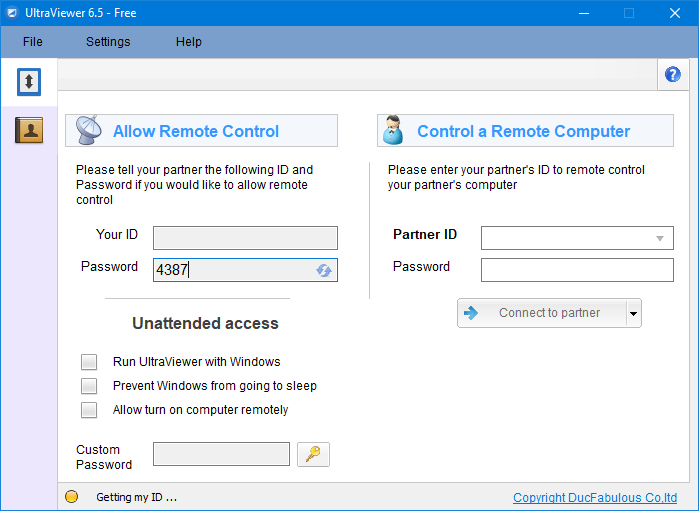
UltraViewer assigns unique IDs to every gadget it connects to.

The 4-digit password is generated automatically by UltraViewer for every gadget.
If you need a stronger password, you might configure the built-in password generator to generate an 8-digit password.
UltraViewer supports unattended access.
Leaving a remote computer on every single day is a money waste.
UltraViewer lets you schedule the wake up timer to save electricity cost.
When the computer is turned on at a specified time, the software checks for a remote turn-on signal.
If it doesnt detect any, it puts the computer back to sleep or hibernate mode.
So far sounds good, but free users cannot rejoice yet.
The ads will probably be annoying to some users.
A few features are disabled and there are several others limited in some ways.
Sound sharing is one of the features that do not exist in the free version of UltraViewer.
Whether or not this limitation has any effect on the chat functionality is not clear.
There is simply no information about this.
In the chat window, you could transfer files between the connected computers.
However, again, it is unknown how many files a free user can send per transfer.
Beginners will need to read some guides first which can be read at the blog of the developers site.
