Every virtual machine is an equivalent to a PC.
This means you could run, for example, Windows and Linux at the same time.
It is as if you used two real computers.
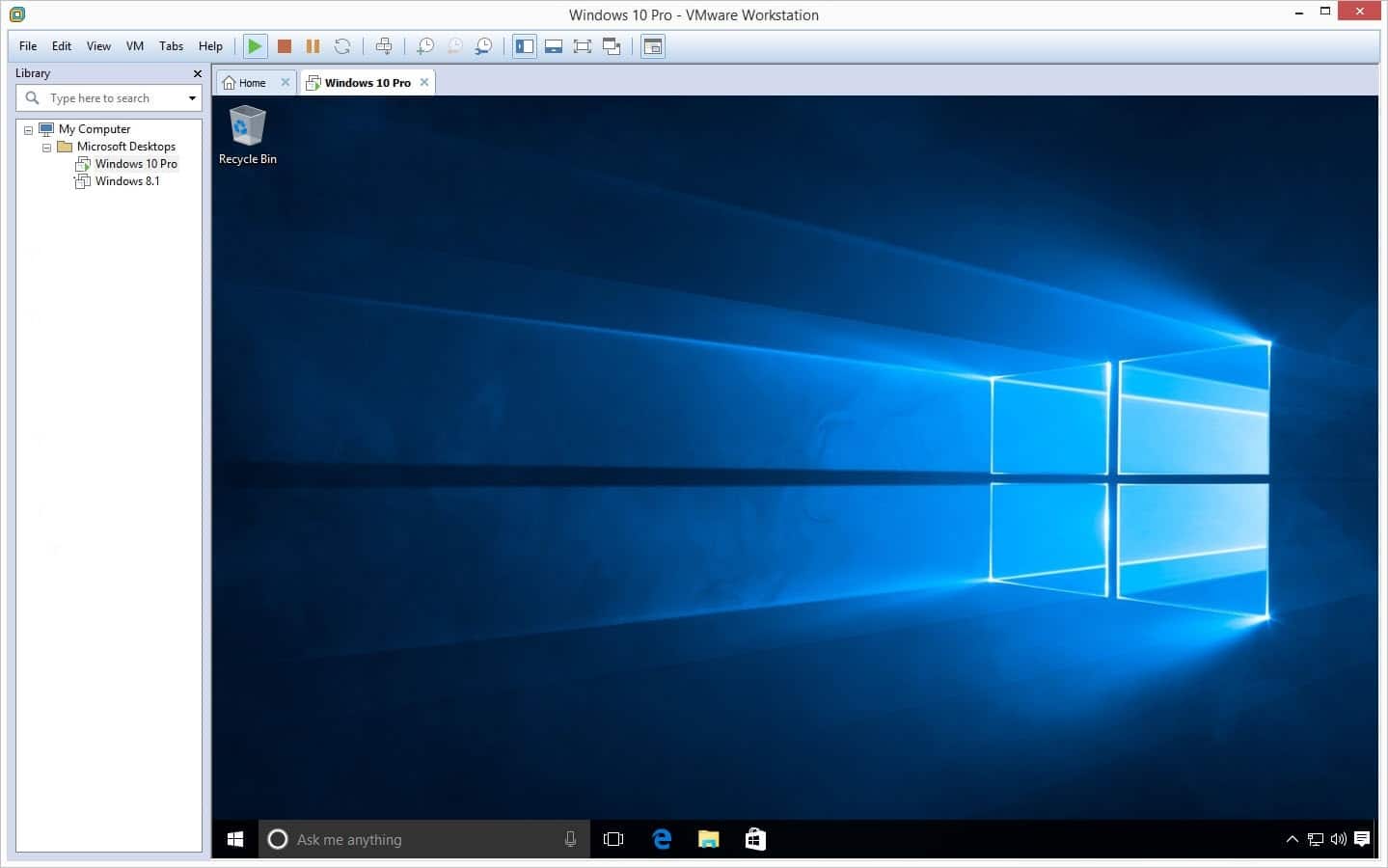
And whats more, you could switch between Windows and Linux easily.
All it takes is just a single click of your mouse.
Copying and pasting files back and forth between the two can also be done with ease.

In a multi boot system, a new operating system typically requires a dedicated partition.
VMware Workstation, on the other hand, doesnt require a new partition to install a new operating system.
The virtual machine comes with an adjustable memory.
VMware Workstation can also function as a secure sandbox.
It creates an isolated environment for you to browse the web safely by using different networking configurations.
Lets not forget about the fact that VMware Workstation can create a snapshot of the virtual machine too.
With this snapshot, you’re free to undo all the changes made to the machine with ease.
There is no need to reinstall the operating system to revert it back to its original state.
The former is a shareware, while the latter is free for non-commercial use.
Both are powered by the same technology.
