Features and Highlights
There are several graphical interfaces in Weka.
When you open it, the first view that will welcome you is Weka GUI Chooser.
It is a screen where you might choose which interface to launch.
The list of the interfaces are presented at the right pane under Applications.
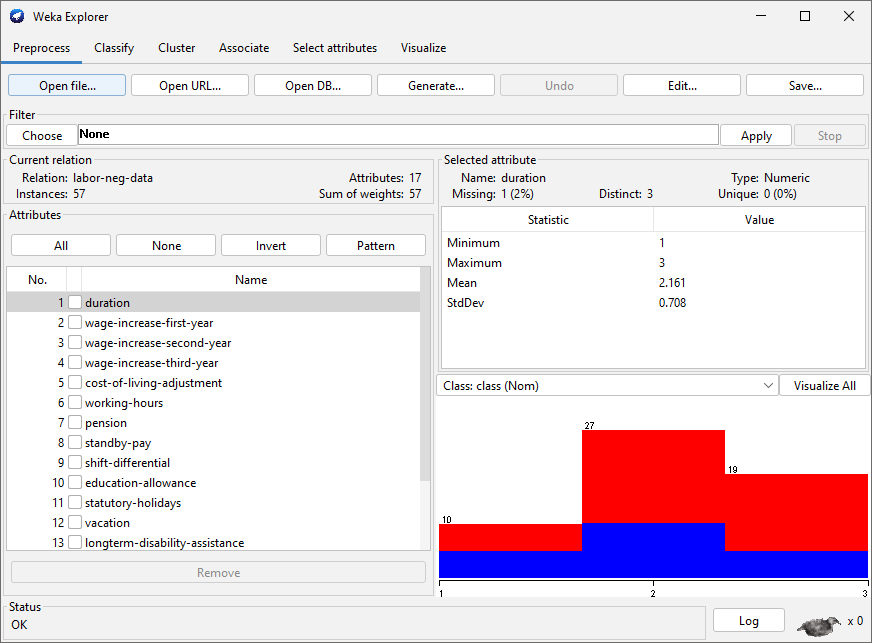
One of the graphical interfaces is the Explorer that provides the easiest way for you to use Weka.
The other graphical interface is the Experimenter.

It is designed to help you find the best methods and parameter values for a given problem.
There is also the Knowledge Flow.
It is an alternative interface that can complete most tasks in Explorer.
It is useful when you oughta switch between two or more interfaces a lot.
Weka also includes a simple Command Line Interface (CLI).
Clicking its button on the Weka GUI Chooser will open a bright interface.
Typing Help followed by Enter in the input field will show the commands along with their short descriptions.
To use Weka, Java 8 or later is required.
For displays with high pixel density (HiDPI), Java 9 may be required.
If youre interested to find out more details about data mining and Weka, wise to read the book.
