Infotech
If you look inside the Task Manager you will find a process named AcroTray.exe.
Not only that, but you will also come across its entry in theauto-startapps and programs.
Of course, you did not install an app named AcroTray, so what is it?
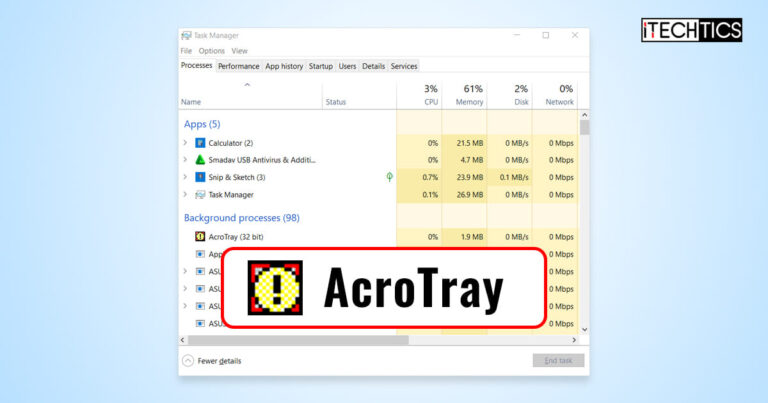
Is AcroTray a virus or is it a legitimate Windows process?
Table of Contents
What is AcroTray?
The full form AcroTray isAcrobat Tray.

AcroTray is an extension component of Adobe Acrobat and is responsible for opening and convertingPDFfiles using Adobe Acrobat.
With that, it is understood thatAcroTray is a legitimate processassociated with Adobe Acrobat.
This program is not a standalone installation and is automatically installed alongside its parent program.

It is a legitimate process for Adobe Acrobat.
However, this process is executed automatically as soon as you sign into your machine account.
This can potentially slow down yourboot timeand add delays.

Plus, the process will still run when Acrobat is actually in use.
Therefore, you could safely disable AcroTray without impacting system performance.
Disable AcroTray from Task Manager
Simply ending the AcroTray process wont be enough.

It will simply start again the next time you cycle your PC.
Switch to the Startup Apps tab.
However, doing so will also prevent Acrobat from searching for available updates.

Right-click Adobe Acrobat Update Service and click Properties.
Restart the computer for the changes to take place.
The software fetches the data directly from the Windows Registry and is therefore very effective.

tap on the given link to download Autoruns:
Download Autoruns
Extract the contents of the download.
Disable AcroTray From Windows Registry
The aforementioned methods usually work in disabling AcroTray.
Note:Misconfiguration of critical values in the systems registry could be fatal for your operating system.
Therefore, we insist that you create asystem restore pointbefore proceeding forward with the process.
Paste the following in the navigation bar and press Enter for quick navigation:
Double-hit the Default value.
Of course, these changes can be reverted if needed.
As long as you have that software, AcroTray will stay on your PC.
However, it is up to you whether you want to allow it to run automatically in the background.
That said, it is concluded that the AcroTray process isnot a virusand not a threat to your PC.
Disabling it just might improve your boot time by a split second, but have no significant impact.
Nonetheless, it is completely safe to disable it using any one of your preferred methods above.
0
Get weekly insights, tips and exclusive content delivered straight to your inbox.
Talk to us straight and get your questions answered right away
source: www.itechtics.com
