WhatsAppannouncedyesterday that it would start sharing user data with Facebook.
However, you got a chance to stop WhatsApp from handing your data to Facebook.
You will soon notice new terms of service.
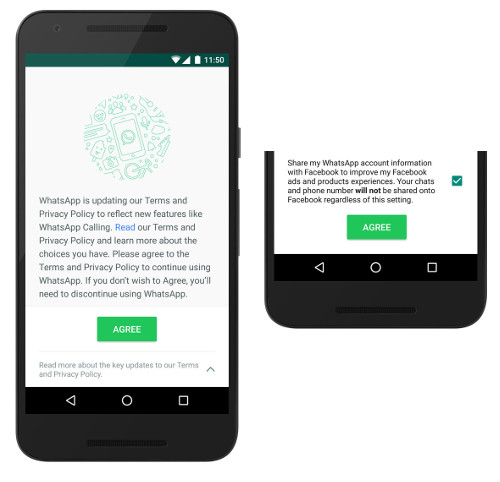
If you have blindly agreed to the terms.
You just need to head toWhatsApp controls>Accounts>Share my account info.
You need touncheckShare My Account info.
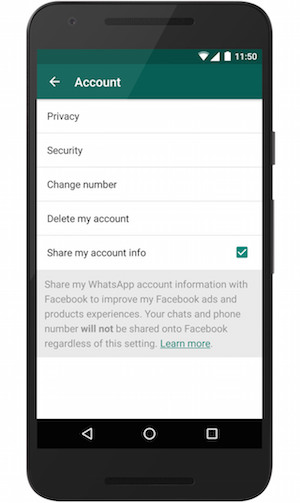
So, this is how you could stop WhatsApp from sharing your phone number with Facebook.
You have 30 Days to opt out for this controls.



