To enter dark mode, simply look to the right sidebar.
Under the appearance -> color heading, you should see light, dark, and automatic.
Simply tick dark to switch to the new mode.
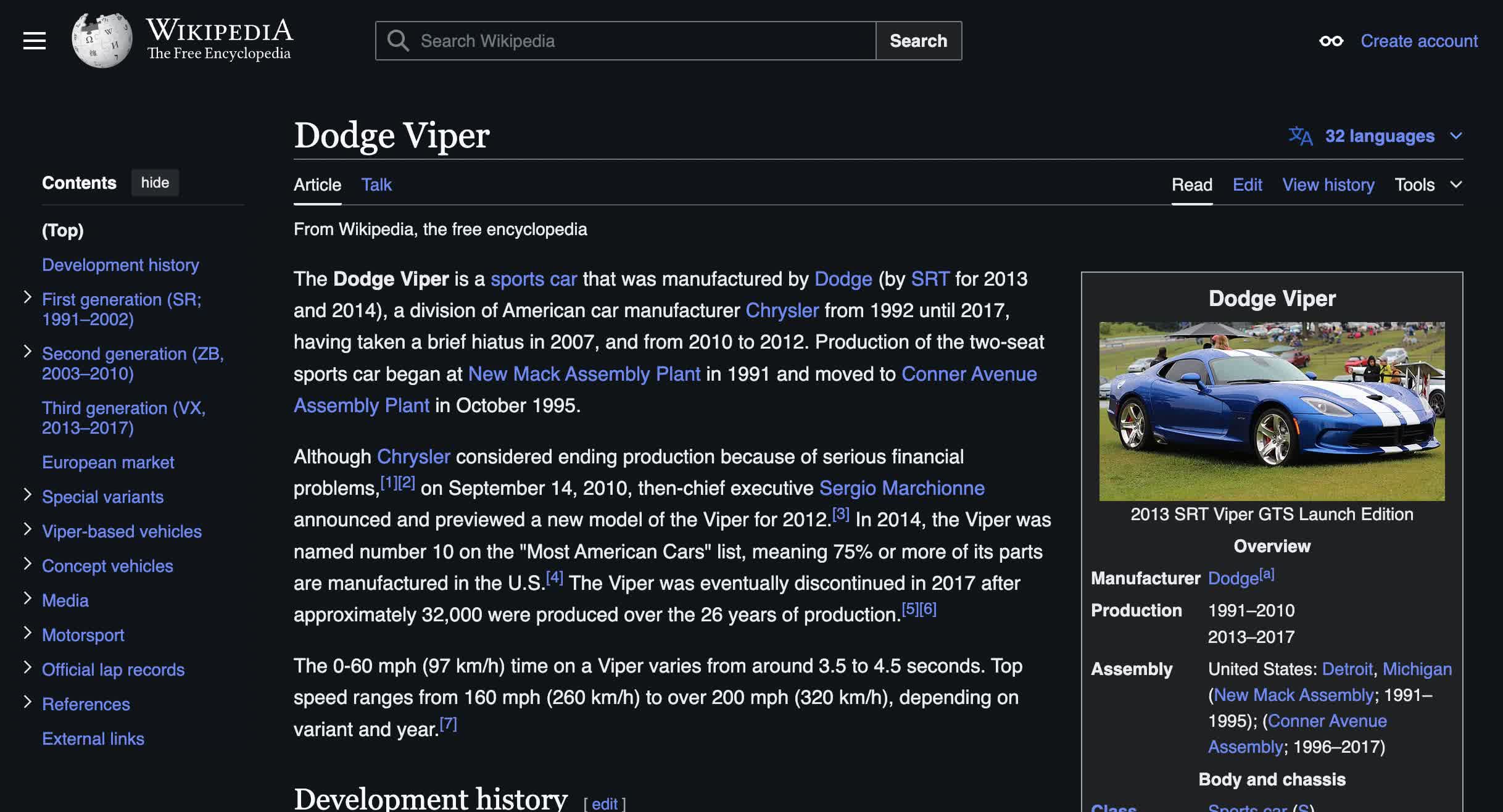
If you don’t see the appearance sidebar, look for the eyeglasses logo to make it visible.
Now, we’re seeing it on many popular sites as a customizable option.
It can be toggled at the top right corner of the site by clicking the half circle logo.
What are your thoughts on dark mode?
Perhaps it’s time to change that.
