your machine performance will be degrading over time.
Its a normal situation.
There are certain steps that can be taken to keep your machine running as smooth as possible.
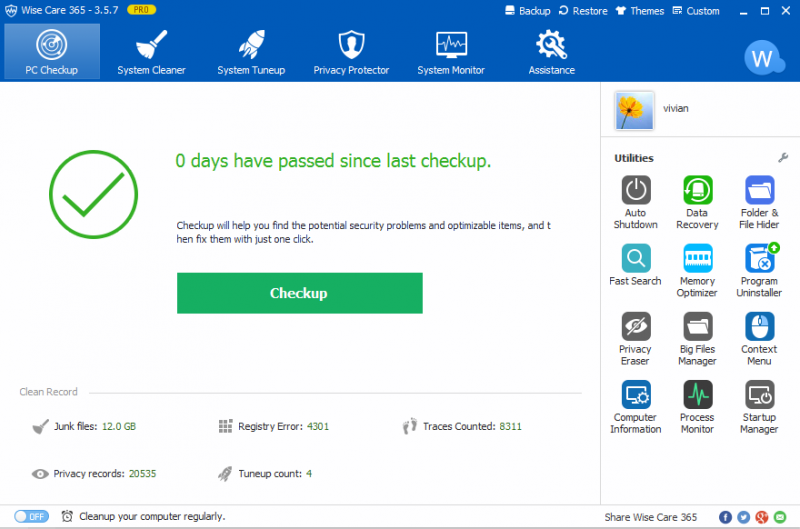
Have you ever heard Wise Care 365?
The details of the entries can be revealed by clicking on each category.
After that, you could decide which entries to be excluded in the cleaning phase.

Each time you find such entry, hit the ignore button to put it into the exclusion list.
Once you are sure that all of the entries are safe to be removed, hit the Fix button.
The other area that Wise Care 365 can optimize is the startup list.
The more items you put inside the startup list, the longer it takes for Windows to start.
The key to avoid such a problem is obviously to keep the number of the items to minimum.
Unfortunately, many software developers add their software to the startup list without asking permission from users.
Sometimes it is the users themselves who do not pay enough attention during the installation.
Wise Care 365 also defrags your hard drive and registry to organize the content.
Unfortunately, this is a commercial feature.
