Wondershare Filmora 14 offers a fascinating set of features to bring your video to life.
Powered by sophisticated AI, it has become more powerful yet is easier to use than before.
Features and Highlights
Wondershare Filmora 14 opens with a guide that walks you through its slick interface.
This can be immensely helpful for newcomers to get familiar with the program.
After the guide ends, you might still open it again by clicking Help > Filmora Walkthrough.
This particular feature is a great tool especially for content creators.

After the short clips are created, you might post them online immediately or fine-tune them to achieve perfection.
Smart Scene Cut has a similar functionality but it gives you more control over the scene selection.
The output is also more suitable for editing purposes rather than quick content creation for social media.
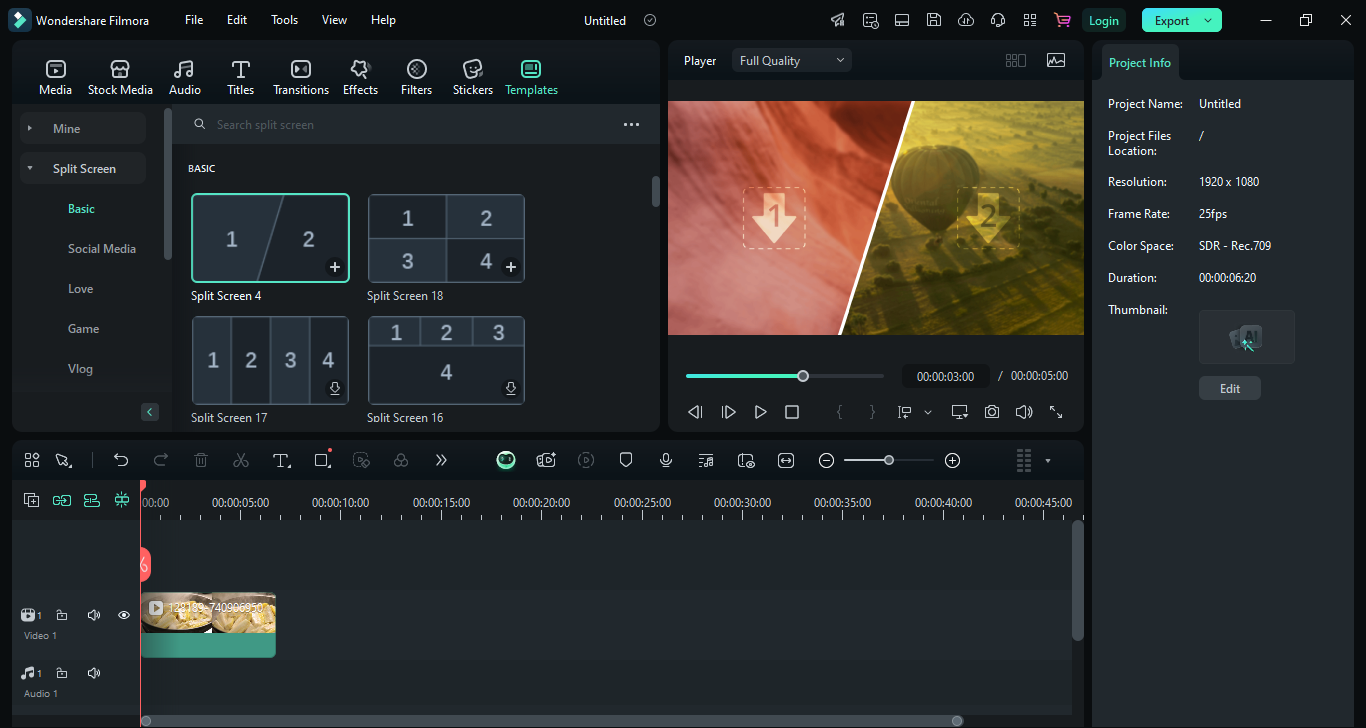
It allows you to display multiple video clips at once on the screen.
Each has a preview that runs automatically once you tap on a template.
Planar Tracking
Planar Tracking is a very useful feature in video editing work.
